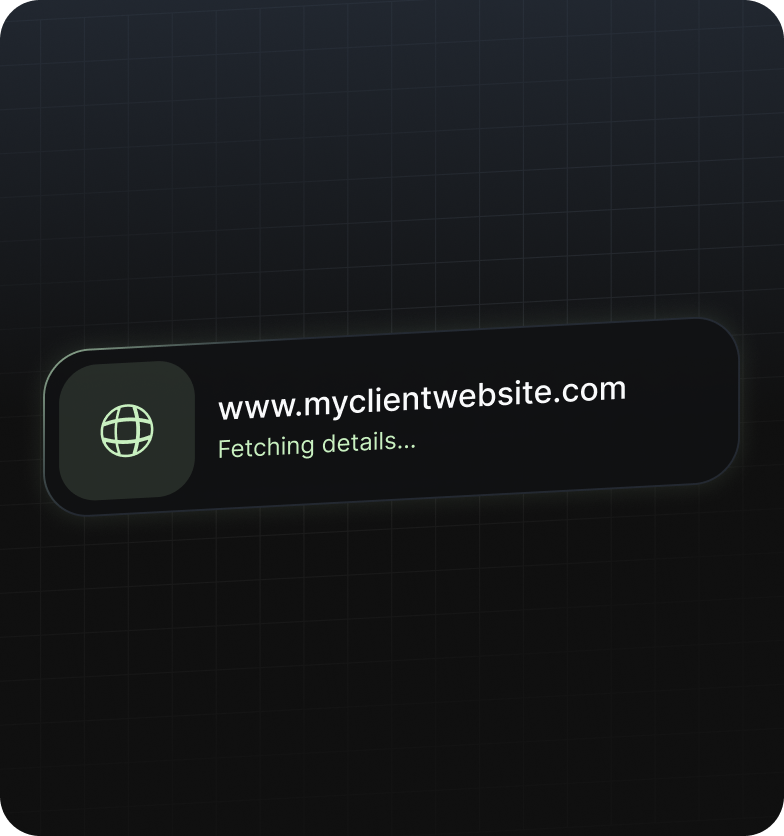
Enter Client Website
Read the client's website and entity
details once.
Stop re reading the same circular for every client.
ReQL helps your team see what changed, which clients are affected,
what needs attention, and where the answer came from.
Add a client using their website and business details. ReQL identifies the relevant context and proposes the regulations that should shape the review.
Read the client's website and entity
details once.
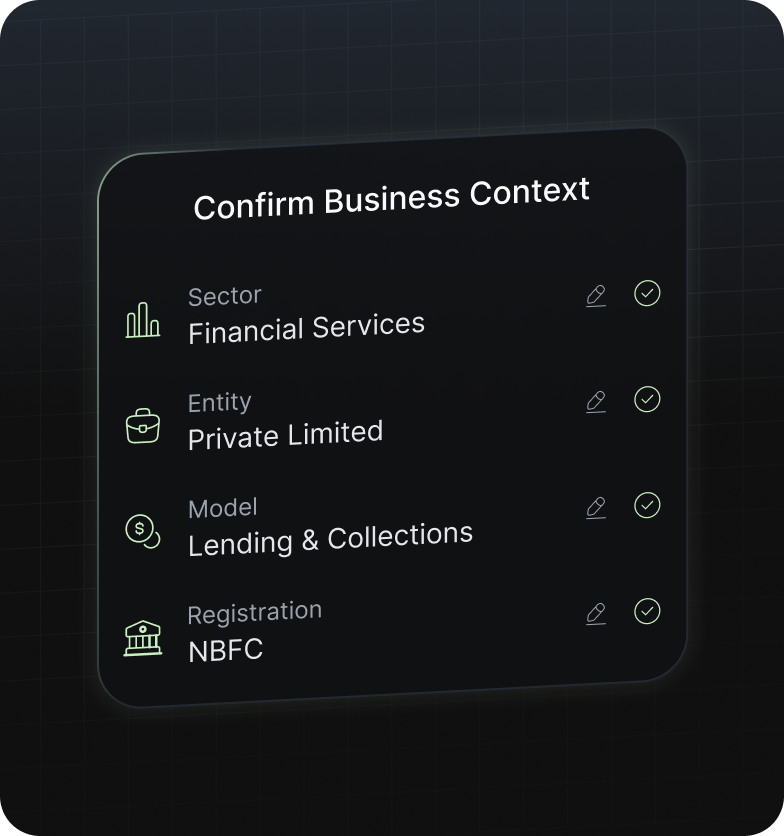
Confirm sector, entity type, business model and licences.
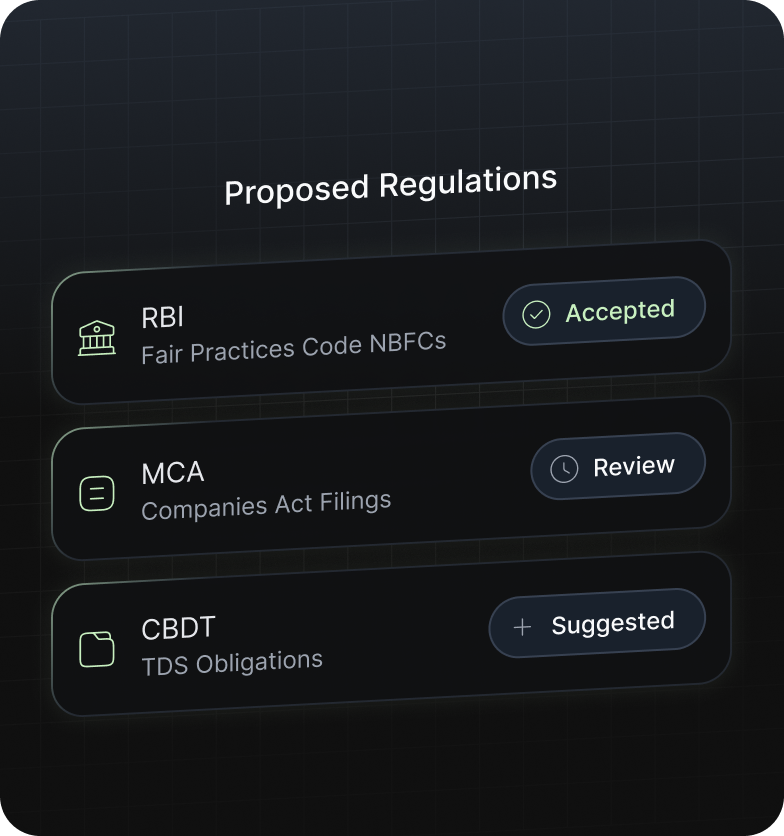
Review and accept the regulatory set proposed for that client.
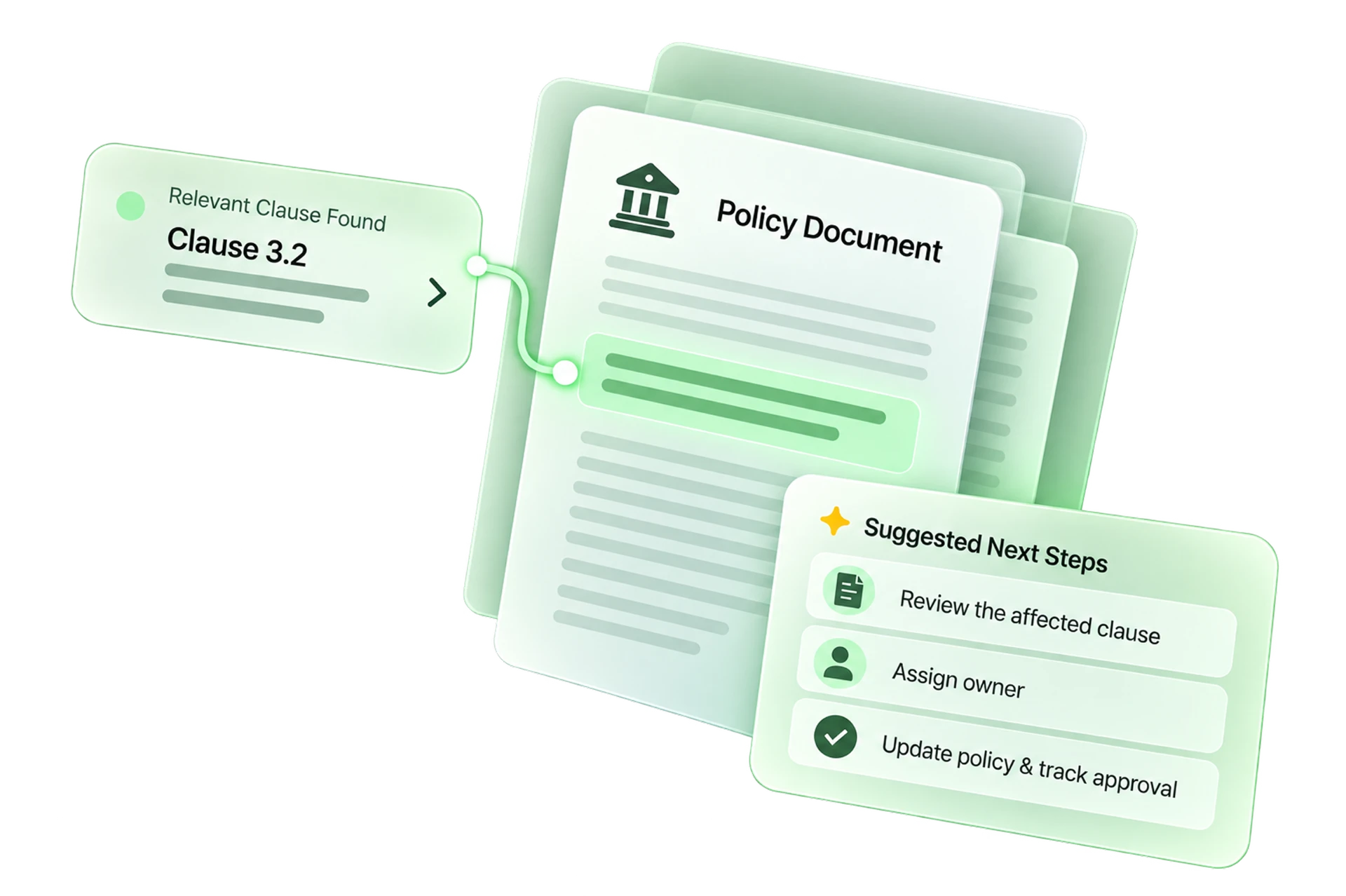
Run clause-level policy audits, ask client-specific regulatory questions
and inspect the source behind every answer before sharing it.
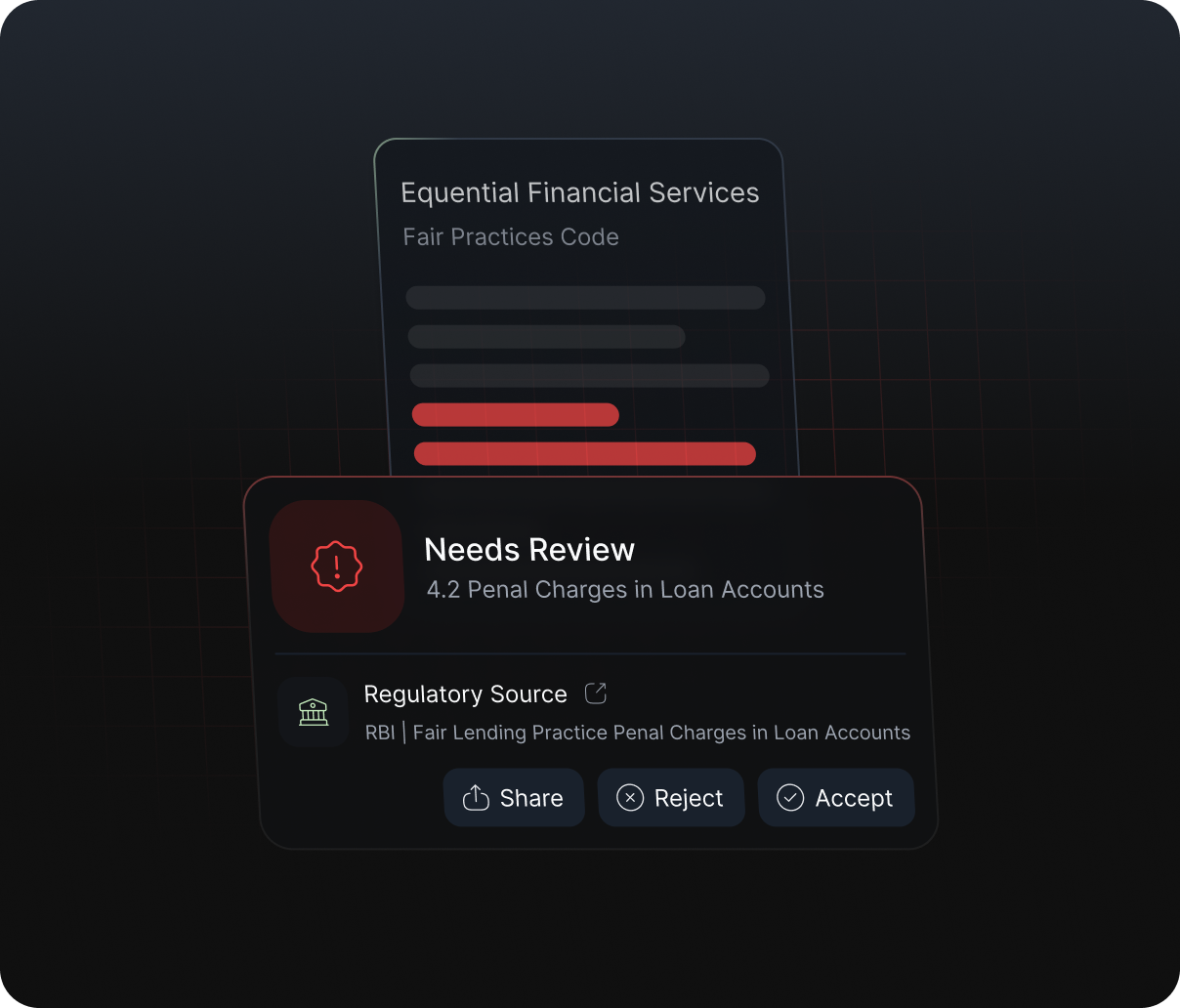
Find gaps at the clause level.
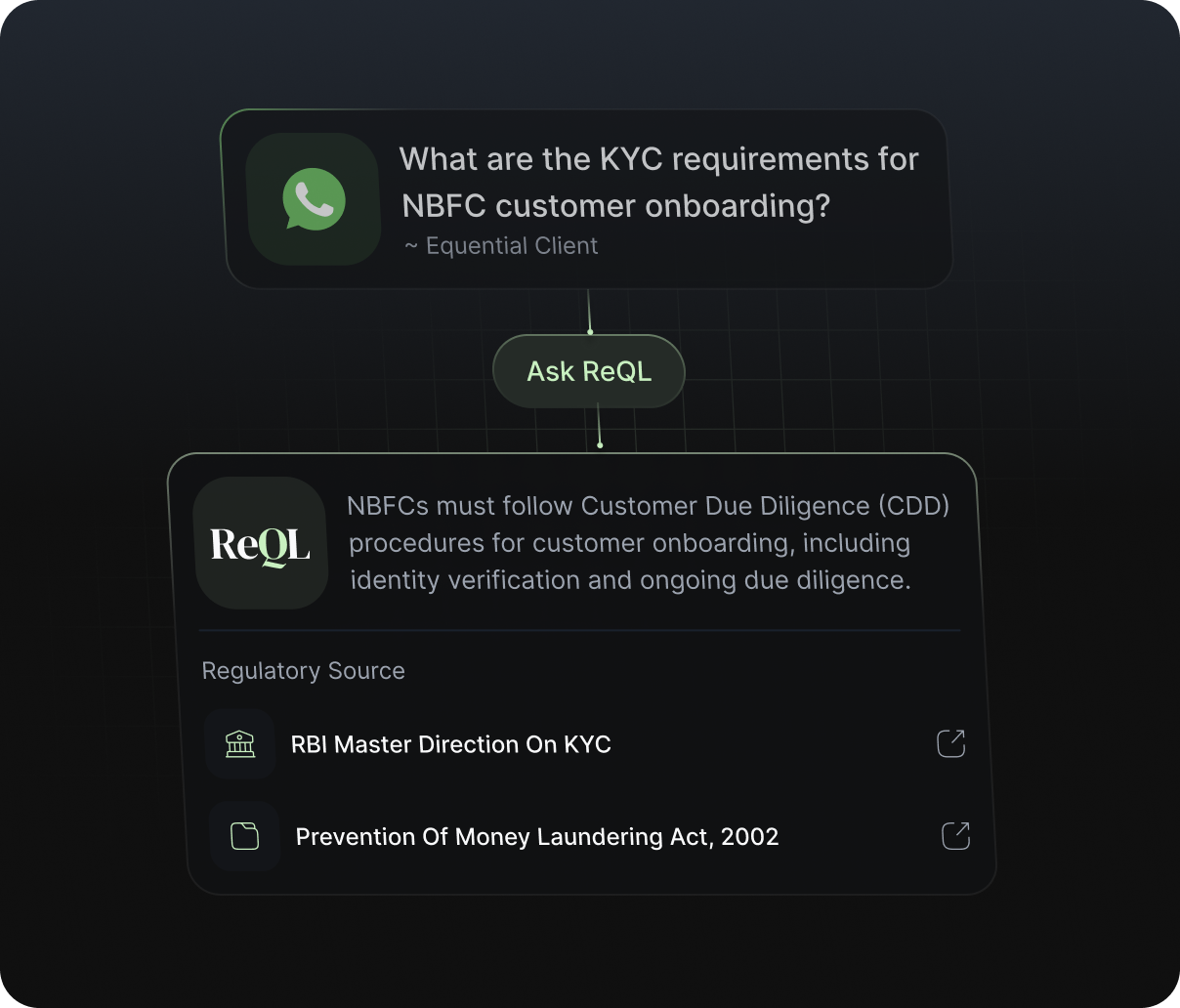
Get answers grounded in the applicable regulation.
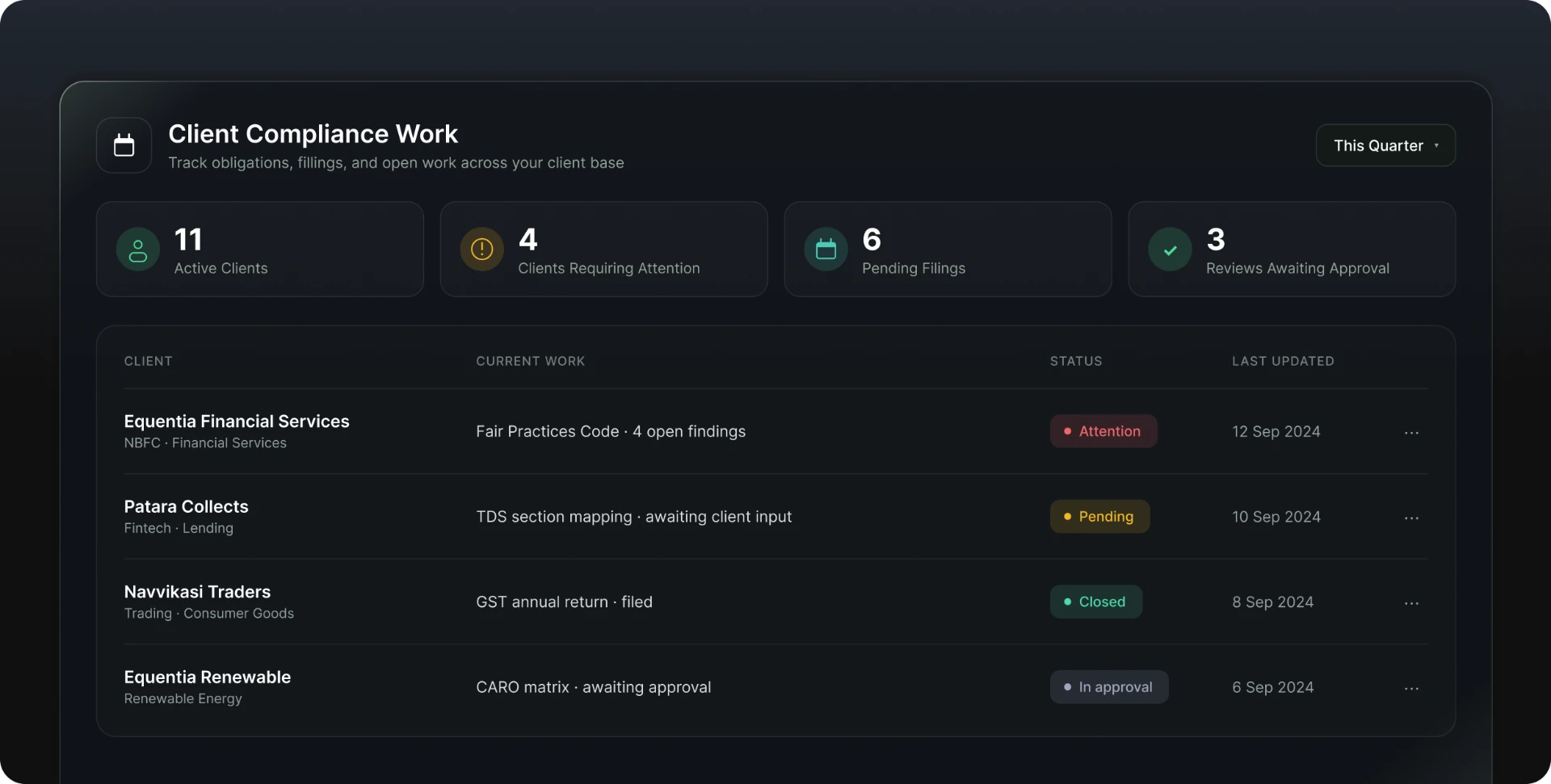
Turn accepted findings into client specific obligations, assign owners and track supporting records and approvals. Use the portfolio view to see which clients have open findings, pending filings or overdue work.
Data Security
ReQL gives you clear controls over who can access documents, where they are stored and how they are deleted.
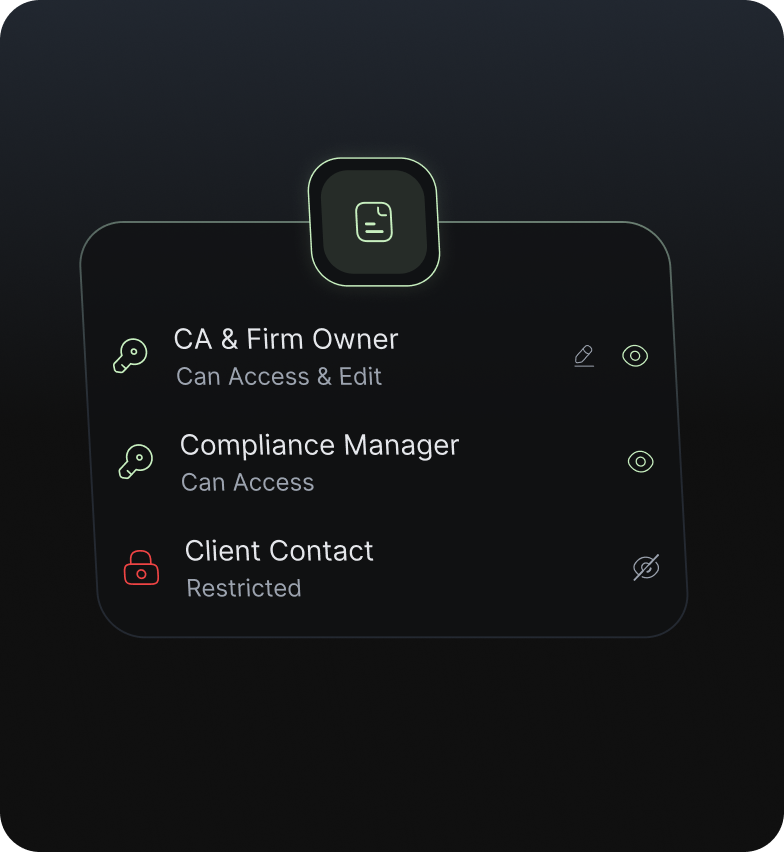
Only people you give access to can open a document or its review history.
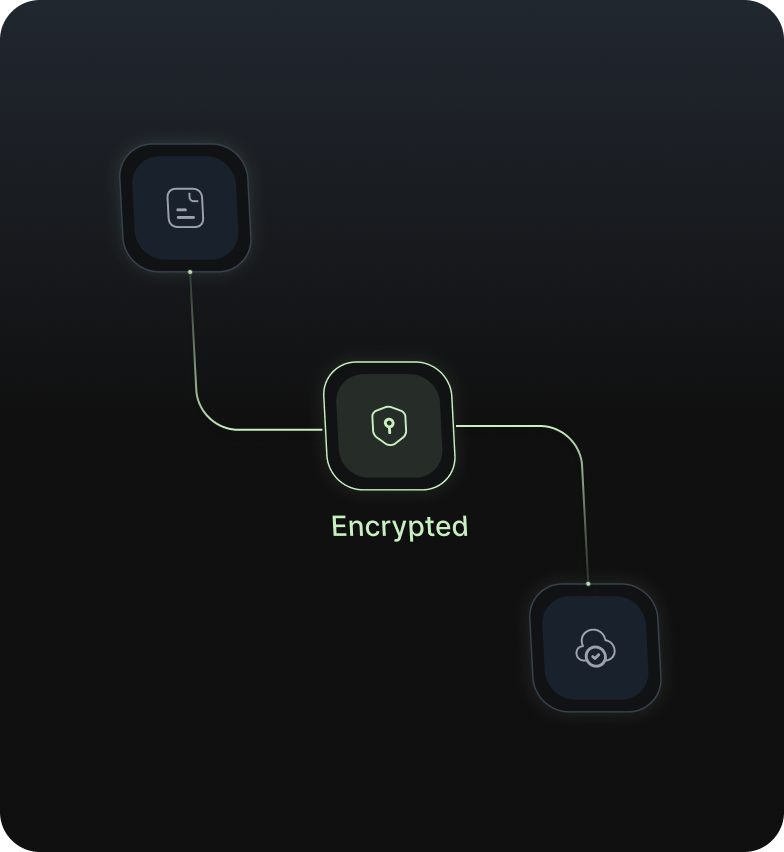
Documents are stored in your workspace environment with encrypted transfer.
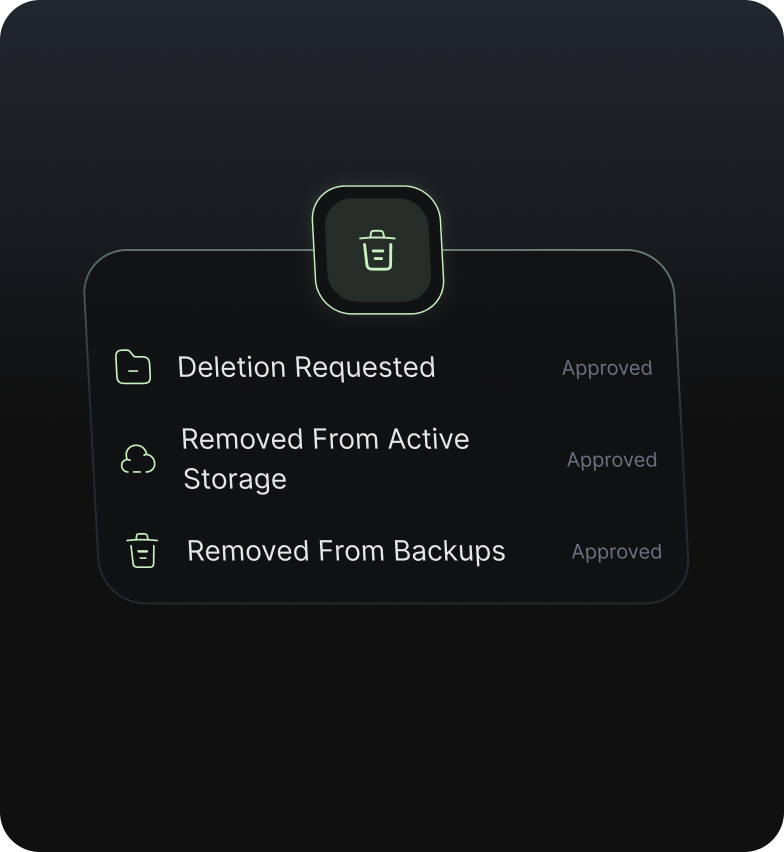
Deletion follows a documented process, including removal from backups.
Create an account to continue with your own document.